New article
Recently updated
Checking the DartOPM V3 version

Who is this article for?
Users of DartOPM V3 (Formate eVo).
No special access or permissions are required.
You can check your current DartOPM V3 version directly from the dashboard.
Checking your version
To check your DartOPM V3 version:
- Open the DartOPM Dashboard.
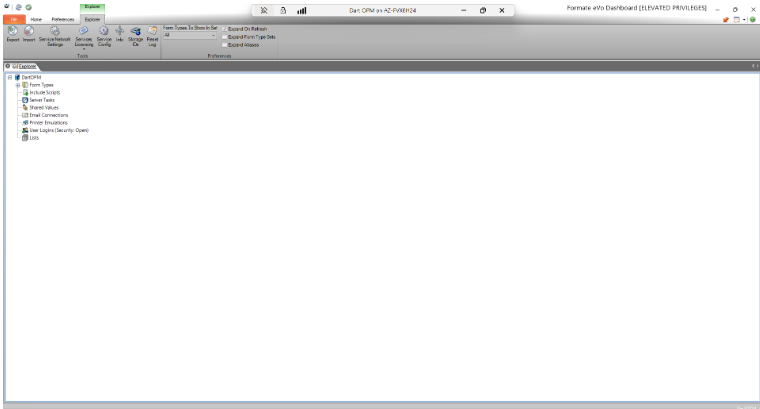
- Locate the green question mark icon in the top right corner.
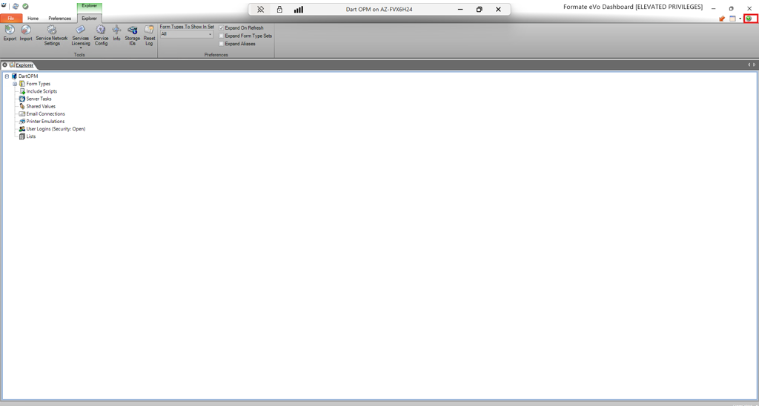
- Click to the right of the icon to open the dropdown menu.
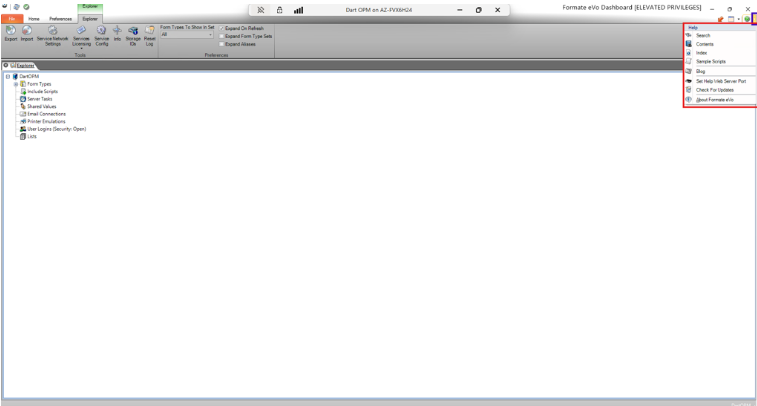
- Select Check Version.
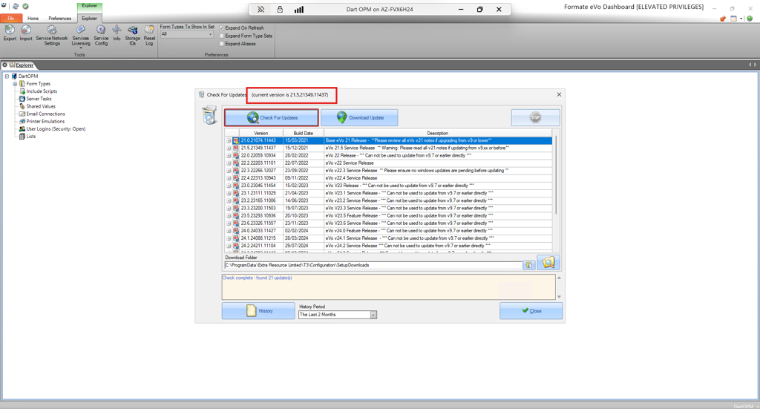
A pop-up window displays your current version.